Install Higgsfield
In ChatGPT, open Plugins, find Higgsfield, and click Install. Connect your Higgsfield account, then open AI Influencer Studio.
Open the Higgsfield pluginPrefer the browser? Open the studio directly ↗

HIGGSFIELD + CHATGPT · FREE GUIDE
Build a character. Give it a signature move. Here’s the exact workflow from my video.
In ChatGPT, open Plugins, find Higgsfield, and click Install. Connect your Higgsfield account, then open AI Influencer Studio.
Open the Higgsfield pluginPrefer the browser? Open the studio directly ↗
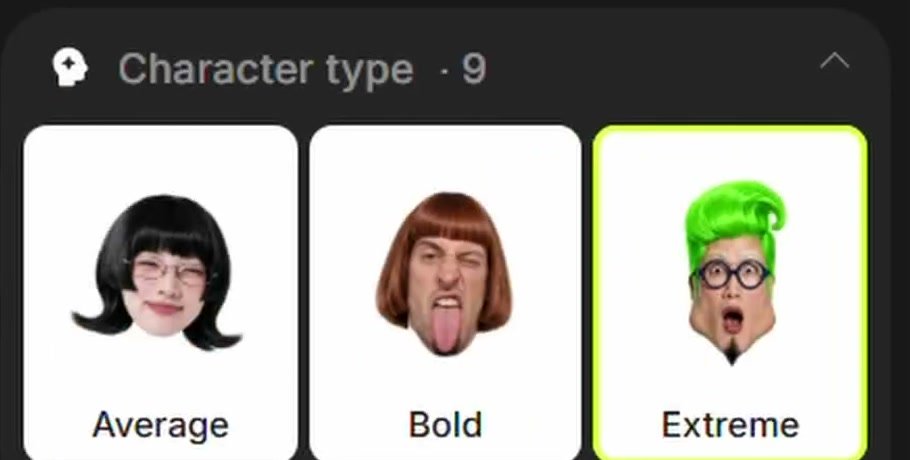
Choose the character type, gender, build, hairstyle, and height. Add a distinctive detail, then click Generate. Pick your favourite and reuse that character in your next videos.
Check the free generations or credit cost shown in your account before generating.
Create an original, fictional AI influencer with a red mullet, a heavy build, a retro tracksuit, and an expressive face. Keep the character full-body and clearly visible. Make the look distinctive and consistent across future videos.
On your character, click Turn to motion with Genjutsu. Choose Motion transfer, then upload your own reference video or pick an available viral preset.
Check the character and motion, review the cost, and click Generate. Preview the result, then download your video.
Use footage you own or have permission to use.
Launchpoint connects creators with brand campaigns. Apply to a relevant campaign and follow its brief. Check the eligible-view rules, rate, and payout cap before posting.
Explore LaunchpointOfficial references: Higgsfield guide ↗ · Launchpoint × Higgsfield ↗